 Blog
A Practical Checklist for Choosing Quality Business Directories
Not every business directory is worth joining. Use this checklist to judge directory quality, relevance, and real value for your small business.
Read article
By admin · 4 min read
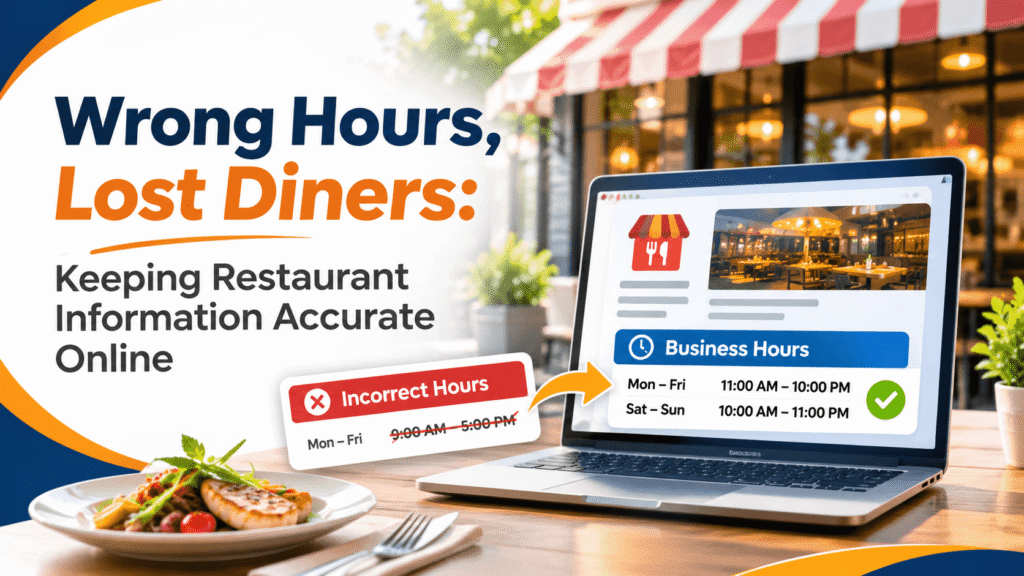
A group of six drives across town on a Monday night for tacos they found online, only to discover the restaurant stopped opening on Mondays six months ago. They’ll eat somewhere else, and at least one of them may leave a frustrated review about a mistake the owner didn’t know existed.
For restaurants, cafes, bakeries, and bars, outdated information is one of the most avoidable ways to lose customers. The fix is less about marketing and more about housekeeping.
Restaurant details change often. Hours shift with the seasons, holiday schedules come and go, menus get updated, and delivery partners change. Each update needs to reach every place customers see your information, and that rarely happens on its own.
Problems tend to pile up in places owners forget about: an old listing created by a previous manager, a delivery app profile with last year’s menu, or a directory entry from opening week. Some third-party sites also pull data from other sources, which can spread an error further.
You don’t need special software to stay accurate. A shared spreadsheet and a calendar reminder go a long way:
Consider a family-owned pizzeria that adds Sunday lunch service. Updating its website alone won’t help the customer who checks a map app first. The change needs to reach every profile where diners might look.
Accurate online business listings do two jobs: they help new customers discover you, and they help regulars confirm details before heading out. Consistency across sources also makes a business look established and cared for.
General directories like BOW Listing can be part of that list. The Food and Drink category groups local restaurants, cafes, and beverage businesses, so it’s worth confirming your entry there shows the same hours and phone number as your main profile. A common mistake is listing a personal cell number on one site and the restaurant line on another, which confuses customers and makes future updates harder.
Diners judge a restaurant before they walk in, and correct hours are the first promise you make. Set up a routine, assign one person to own it, and include every profile, from Google to your BOW Listing entry, in each review.
Aim for at least a week before the holiday, and earlier for busy dates like Thanksgiving or Christmas Eve, when diners plan ahead. Use the special hours feature on Google Business Profile so your regular schedule stays intact. Post the change on your website and social media too, so every source tells customers the same thing.
Usually, yes. Most platforms, including Google, have a claim or ownership request process where you verify that you represent the business. Once verified, you can correct the details. If a duplicate listing exists, ask the platform to merge or remove it so customers don’t see conflicting information about your restaurant.
Only if you can keep it current. An outdated menu with old prices can frustrate customers more than no menu at all. Many restaurants link to a menu page on their own website instead, so only one place needs updating. Keep your cuisine type and specialties in the listing description so diners know what you serve.
Yes. If you close for renovations, staffing shortages, or a private event, mark it on your Google Business Profile and other major listings. Google lets businesses mark themselves as temporarily closed. Clear communication prevents wasted trips and avoidable negative reviews, and switching back to open is simple when you’re ready.

Helping people find trusted local businesses — and helping those businesses get found.
Blog
Not every business directory is worth joining. Use this checklist to judge directory quality, relevance, and real value for your small business.
Read article Blog
See how AI search assistants gather business information and what real estate pros and other local businesses can do to stay accurately described.
Read article Blog
A practical guide for dentists on earning and answering online reviews, protecting patient privacy, and building trust with new local patients.
Read article